Vanish Mode on Instagram allows users to send messages to each other that are immediately deleted. Here’s how you use vanish mode on Instagram.
Many people are fans of the disappearing feature that apps like Snapchat are well known for, which makes your messages vanish once they’ve been read.
But some might not know that a similar feature is available on Instagram. It’s called “Vanish Mode” and has to be manually activated when you are messaging someone, making any message that you send in this mode, temporary.
It’s worth noting that this feature is only available in selected countries, so if you are unable to access it, it may be that you are not residing in these countries. It’s only available for one-on-one conversations, meaning you won’t be able to use Vanish Mode in group chats.
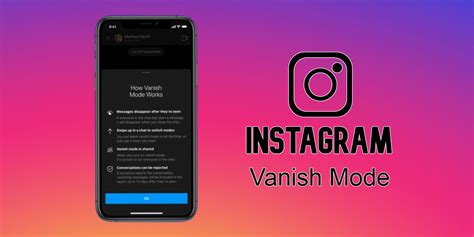
How to turn on Vanish Mode on Instagram
Vanish Mode is an easy feature to get to grips with, andturning it onis simple if it’s available in your country.
Note:To use this feature, you will first need to connect Facebook Messenger with Instagram, which you can do by clicking the ‘Update Messaging’ button in your settings.
Although it’s not available to everyone, so far it has proven to be a useful feature for many Instagram users who want an extra layer of privacy.
If you want to know more about how to use Instagram, you can check out our other guides here:
How to link your Instagram account to TikTok|How to see your first-liked Instagram post|How to switch Instagram feed to chronological order|How to re-share a post to your Story on Instagram|How to download Threads: Instagram’s Twitter alternative|How to make money on Instagram|How to hide likes on Instagram
Georgina Smith was an Entertainment Writer on Dexerto’s UK team, specializing in viral, TikTok, YouTube and Twitch content. She also covered reality TV shows from Below Deck to Love Island.
